Lifehack: Spotify on Steroids
TL;DR ✨
This is one of those small quality-of-life tricks that makes music discovery less random and less time-consuming.
The basic idea is simple: instead of manually hunting for songs one by one, you let Spotify do part of the curation for you, then you move the results into your own offline setup.
This is one of those small quality-of-life tricks that makes music discovery less random and less time-consuming.
The basic idea is simple: instead of manually hunting for songs one by one, you let Spotify do part of the curation for you, then you move the results into your own offline setup.
🎧 A Short Evolution of a Music Listener
When you are little, radio is enough. It gives you sound, noise, and whatever mainstream production happens to be pushed at the moment.
Later, usually somewhere around puberty, listening becomes more deliberate. You discover tapes, CDs, YouTube, concerts, recommendations from friends, and whole scenes that feel like your identity for a while. For some people that phase hardens into one permanent niche.
Then there is another stage. You stop caring so much about genre labels and start paying more attention to rhythm, mood, emotion, text, atmosphere, and craftsmanship. At that point, the problem is no longer finding some music. The real problem is finding new stimuli without wasting half your life clicking around.
That is the audience for this article.
💡 Why Spotify Helps
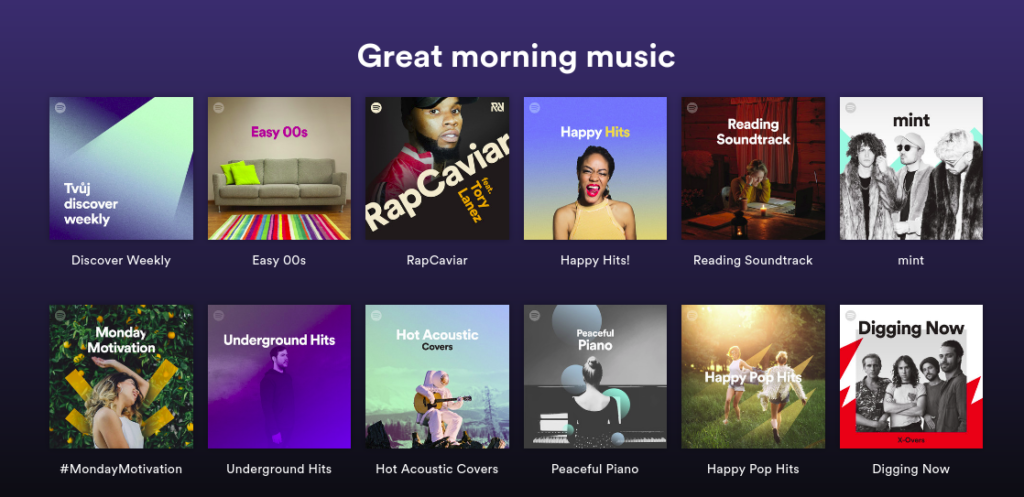
Services like Spotify are useful not only because they stream music, but because they package it into contexts and moods:
- music for driving
- music for reading
- 80s playlists
- morning playlists
- shower playlists
- focus playlists
That matters because discovery is often easier through context than through genre. You may not be looking for "more metal" or "more hip-hop". You may just want "something that works for late evening concentration" or "something energetic for routine work".
🧭 The Practical Workflow
The goal here is to take interesting Spotify playlists and make them usable for your own offline listening flow, even without relying purely on Spotify Premium.
The workflow looks like this:
- Save the Spotify playlists you want to keep an eye on.
- Convert them into a YouTube playlist.
- Download them locally with your preferred tooling.
- Move the resulting files wherever you want.
It is not elegant in a "one button and done forever" sense, but it is practical and good enough for personal use.
1. Save the Playlist in Spotify
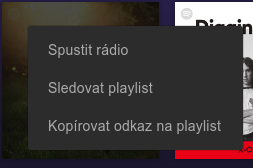
First, mark the playlists you want as favorites in Spotify. The exact UI differs between mobile and web, but the principle is the same.
In the web interface, you can open the playlist and follow or save it:
2. Convert Spotify Playlist to YouTube
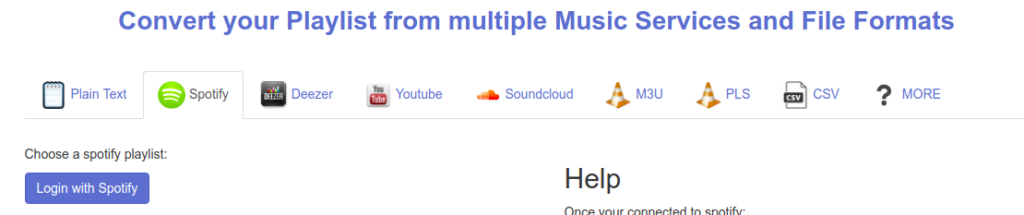
After that, log in to playlist-converter.net with your Spotify account:
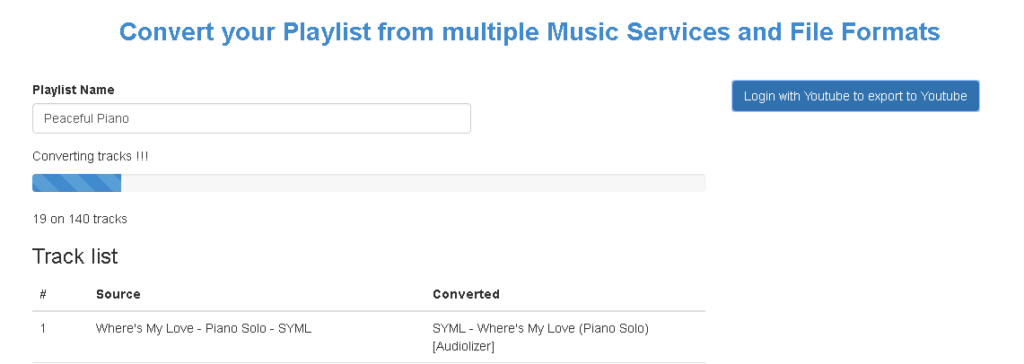
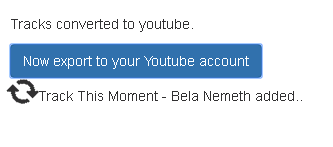
Then pick your saved playlist, sign in with your YouTube account on the other side, and request the conversion from Spotify to YouTube:
3. Download the Result for Offline Listening
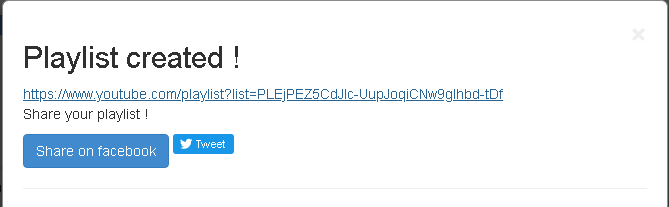
Once the playlist exists on YouTube, copy its URL and continue with a downloader workflow.
In the original setup, the author used youtube-dl; today many people would reach for yt-dlp, but the logic stays the same. The step-by-step background is available in the related English article:
Bulk Downloading Liked Songs from YouTube
After the download finishes, you can move the files wherever they make sense for you:
- an old MP3 player
- a home media server
- a NAS
- an offline phone library
- some custom archive of favorite tracks
⚠️ What to Keep in Mind
- Third-party conversion services may disappear, change behavior, or become unreliable.
- Spotify and YouTube metadata will never match perfectly, so expect some wrong tracks here and there.
- This kind of workflow is fine for experimentation, but it is still a workaround, not a clean canonical music library process.
- If you are on Windows and want a GUI-first approach, tools such as Sidify may be easier to start with.