Android One and Its Fine Tuning
TL;DR ✨
Android One started as a Google initiative around a simpler and cleaner Android experience. Over time, the idea became more relevant outside the original target group as well: people wanted fewer vendor skins, fewer random bundled apps, and quicker security updates.
Most Android manufacturers took the base system and layered their own UI and service bundle on top. Sometimes that brought useful features, but it also brought fragmentation, slower updates, more battery drain, and a bigger attack surface.
📱 Why Android One Was Interesting
Android One started as a Google initiative around a simpler and cleaner Android experience. Over time, the idea became more relevant outside the original target group as well: people wanted fewer vendor skins, fewer random bundled apps, and quicker security updates.
That was the core appeal.
Most Android manufacturers took the base system and layered their own UI and service bundle on top. Sometimes that brought useful features, but it also brought fragmentation, slower updates, more battery drain, and a bigger attack surface.
Android One was attractive because it moved in the opposite direction:
- cleaner system
- fewer vendor modifications
- faster updates
- less visual and functional clutter
🔍 Why the Xiaomi Mi A1 Was a Good Fit
The Xiaomi Mi A1 was not interesting only because of raw hardware specs. Its main strength was value for money.
For a relatively reasonable price, you got:
- a full Android experience
- 4 GB RAM
- 64 GB storage
- LTE
- fingerprint reader
- a decent enough camera for normal use
That made it a good candidate for people who wanted a practical daily driver without paying flagship money.
✨ Simplicity Is the Main Selling Point
One of the strengths of Android One was that it felt straightforward very quickly.
- Swipe down once and you get notification overview.
- Swipe down twice and you get expanded quick settings.
- Swipe up and you get the app list and search.
That may sound trivial, but compared to overloaded vendor UIs, this kind of predictability matters.
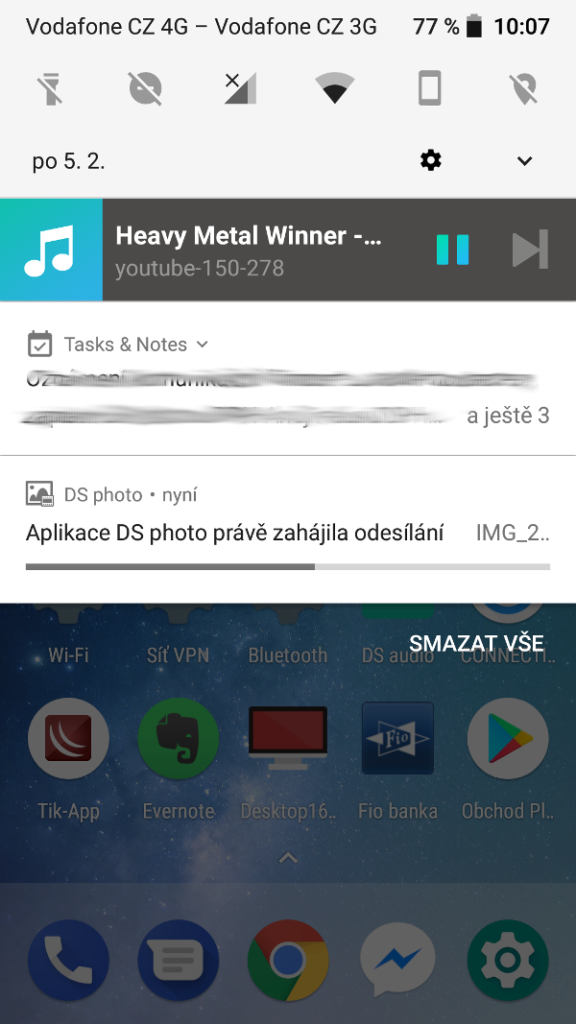
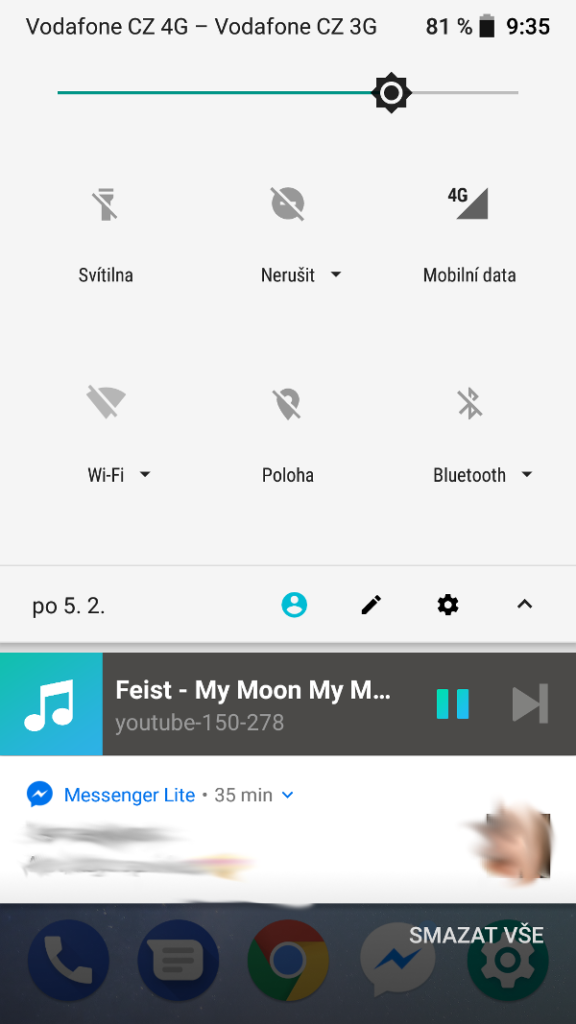
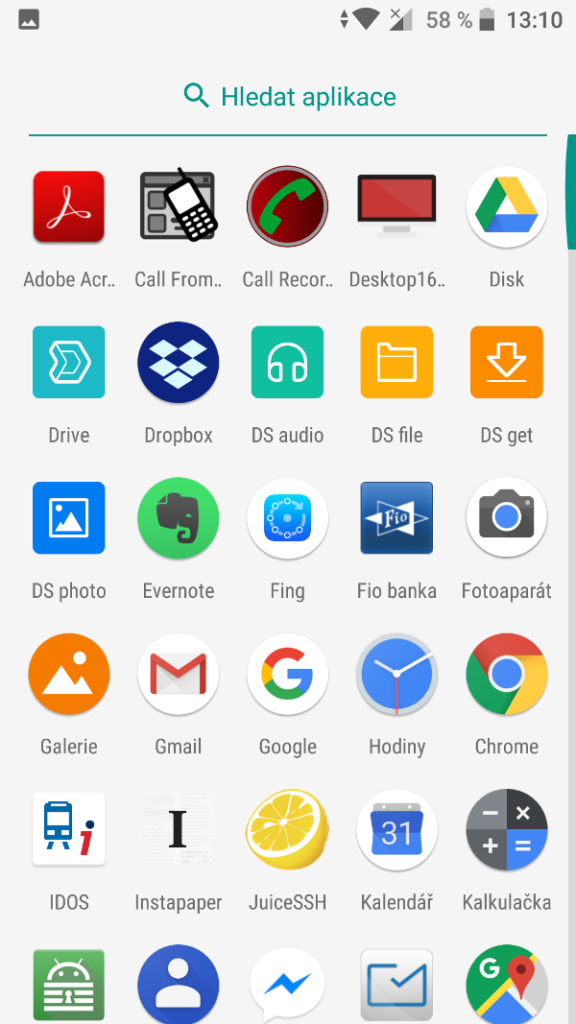
Even so, "clean Android" never meant "completely free of Google baggage". There was still enough preinstalled stuff and enough aggressive background behavior that a proper tuning session made sense.
🧼 What the Fine Tuning Was Meant to Achieve
The goal was not vanity tweaking. The point was practical:
- reduce Google tracking where possible
- improve battery life
- reduce background churn
- tighten permissions
- keep the device responsive and stable
The article originally estimated that a full first-pass tuning session could easily take several hours. That sounds excessive, but if a phone is a daily work tool, careful setup pays back over time.
🛠️ Practical Tuning Principles
Before changing anything else, update the system first and start from the newest available release.
Then focus on these areas:
1. Network and Connectivity
- Disable pointless public Wi-Fi suggestions.
- Limit what stays active during sleep if you do not need it.
- Treat background data conservatively.
This reduces noise and avoids unnecessary traffic from apps that do not deserve constant access.
2. Connected Devices
- Turn off services you simply do not use, such as printing.
The best performance optimization is often removing features you never needed in the first place.
3. Apps and Permissions
This is where most of the real cleanup happens.
- Uninstall or disable everything clearly unnecessary.
- Leave true system components alone unless you know exactly what you are doing.
- Review permission requests with suspicion.
A simple sanity check helps:
- Why does this app need location?
- Why does this app need storage?
- Why does this app need background access?
- Why does this app need system settings access?
If the answer is unclear, deny it first and grant later only if the app proves it actually needs the permission.
4. Battery
- Use adaptive brightness.
- Set a reasonable screen timeout.
- Review the biggest battery consumers.
- Restrict background activity where it is obviously unnecessary.
People often obsess over battery saver modes and ignore the real problem: badly behaving apps in the background.
5. Display
- Night mode makes sense.
- Ambient display is a taste question.
- Brightness and timeout matter more than most cosmetic tweaks.
6. Security and Lock Screen
- Set a real lock method.
- Enable fingerprint unlock if the hardware supports it.
- Turn off unnecessary password visibility.
- Keep location disabled by default unless you actively need it.
Security settings are where convenience and discipline fight each other every day. The correct balance depends on how much you rely on the device and what kind of data it holds.
7. Accounts and Synchronization
Background sync is one of the easiest places to lose battery and privacy without noticing.
Do not let everything sync all the time just because Google offers the checkbox.
A more practical approach is:
- keep background activity narrow
- allow frequent sync only for things that actually matter
- treat messengers and mail differently from random utility apps
⚠️ The Most Annoying Part: Updates Undo Tweaks
This is the catch with any carefully tuned device: major updates often re-enable things you previously turned off.
That means after a bigger system upgrade, you should revisit at least:
- permissions
- location behavior
- Google settings
- background access
- sync behavior
The update itself may be useful, but it may quietly undo part of your previous cleanup.