Installing IPKG Packages on a Synology NAS
TL;DR ✨
Precompiled packages on a Synology NAS can be installed through ipkg, but the whole thing starts with one annoying prerequisite: you need the correct bootstrap for your NAS CPU.
The original article referenced a CPU/bootstrap overview from: http://www.ingmarverheij.com/how-to-install-ipkg-on-synology-nas-ds212/
Precompiled packages on a Synology NAS can be installed through ipkg, but the whole thing starts with one annoying prerequisite: you need the correct bootstrap for your NAS CPU.
That sounds neat in theory. In practice it can be trial-and-error nonsense.
🔍 The Manual Path
The original article referenced a CPU/bootstrap overview from: http://www.ingmarverheij.com/how-to-install-ipkg-on-synology-nas-ds212/
The point was simple:
- identify your Synology CPU
- find the matching bootstrap
- install it manually
For some devices that works fine. For others, such as the Synology 218play mentioned in the original article, your exact bootstrap may not be obvious at all.
Useful references:
- Synology CPU overview: https://www.synology.com/en-global/knowledgebase/DSM/tutorial/General/What_kind_of_CPU_does_my_NAS_have
- Optware/IPKG feed list: http://ipkg.nslu2-linux.org/feeds/optware/
At that point the workflow becomes what it often is with legacy package ecosystems: try, fail, adjust, and try again.
✅ The Easier Path
Fortunately there is a more comfortable option.
Instead of hunting the bootstrap manually, you can enable community package sources in Synology Package Center and use a package such as Easy Bootstrap Installer, which takes care of the bootstrap installation for you.
1. Lower the Trust Level
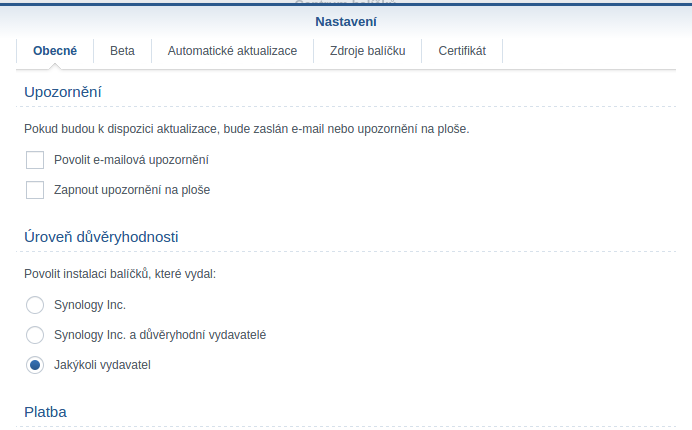
Open Package Center > Settings and choose the lowest trust level that still allows community packages.
2. Optionally Show Beta Packages
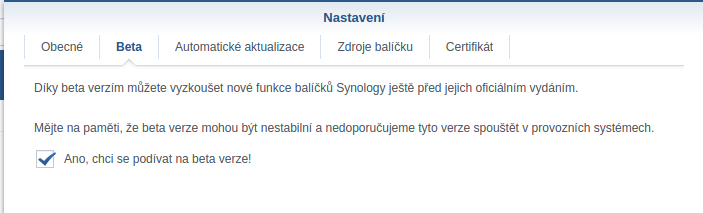
If you want, enable beta packages too.
3. Add Community Sources
In package sources, add the community repositories shown in the original screenshots.
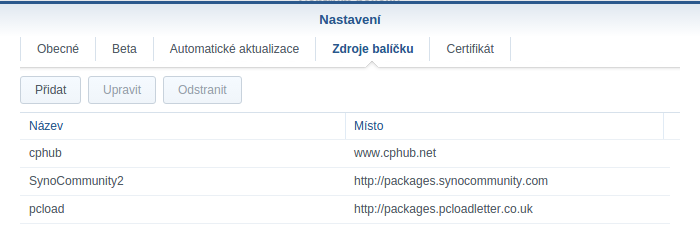
This is useful not only for the bootstrap installer itself, but also because these repositories often contain other handy packages you may want later.
4. Install Easy Bootstrap Installer
Find the package and install it:
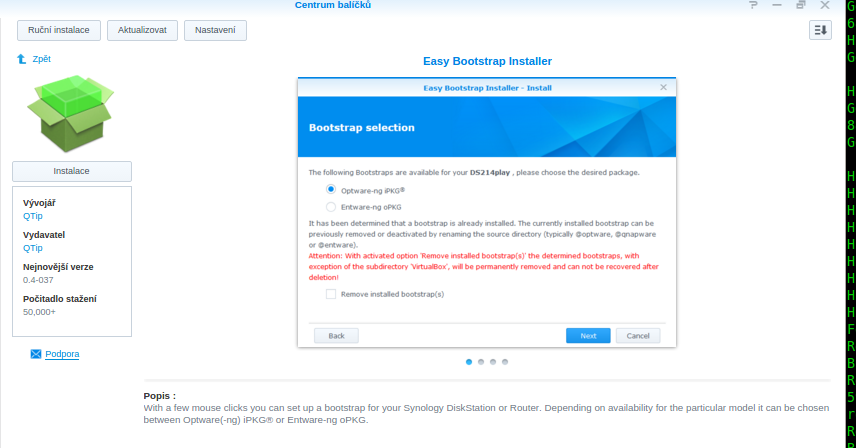
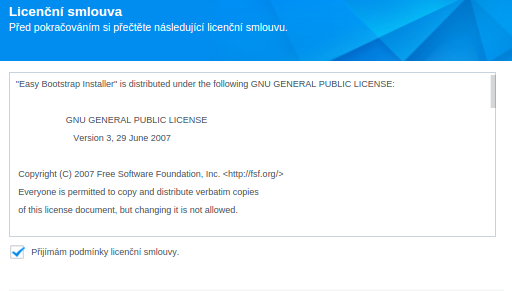
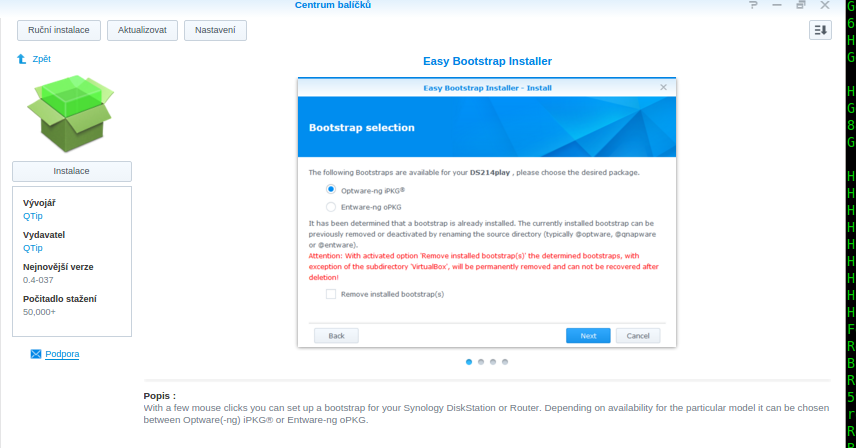
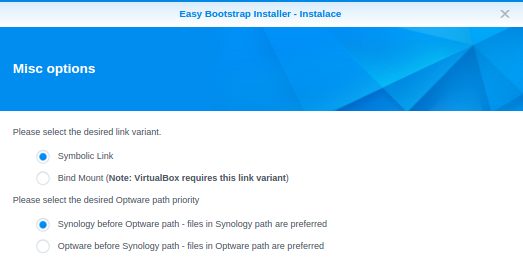
Then just click through the installer screens:
Once it is done, you can start installing tools such as:
nanomc/ Midnight Commanderhtop- and whatever else makes life on the NAS less miserable