Synology RADIUS Server with TP-Link Routers
TL;DR ✨
This article presents a historical method for securing Wi-Fi more effectively with a RADIUS server and the TP-Link routers available at the time.
RADIUS is a protocol developed long ago by Livingston Enterprises. The protocol is used for network authentication. More information is available on Wikipedia. A RADIUS server is a service running on a machine in the network—in the author's case, a Synology NAS. Clients log in through this machine and authenticate against the server. If they are authorized, they receive access to the network.
From the archive
This article was first published on 2016-03-20. It is also a snapshot of its time, so some details and recommendations may no longer reflect the current situation.
This article presents a historical method for securing Wi-Fi more effectively with a RADIUS server and the TP-Link routers available at the time.
RADIUS is a protocol developed long ago by Livingston Enterprises. The protocol is used for network authentication. More information is available on Wikipedia. A RADIUS server is a service running on a machine in the network—in the author's case, a Synology NAS. Clients log in through this machine and authenticate against the server. If they are authorized, they receive access to the network. If they are not, they are out of luck.
From a practical business perspective, the benefits of a RADIUS server include:
- A high level of security
- Roaming support (an employee in the same company uses the same Wi-Fi login and password at every branch)
- The ability to map users on the network. In the event of theft or a data leak, it is possible to determine who caused the activity
- No need to change the password whenever an employee leaves the company, whether on good or bad terms
Does that sound interesting? Here is a more concrete demonstration.
On the Synology NAS, simply install the RADIUS Server package.
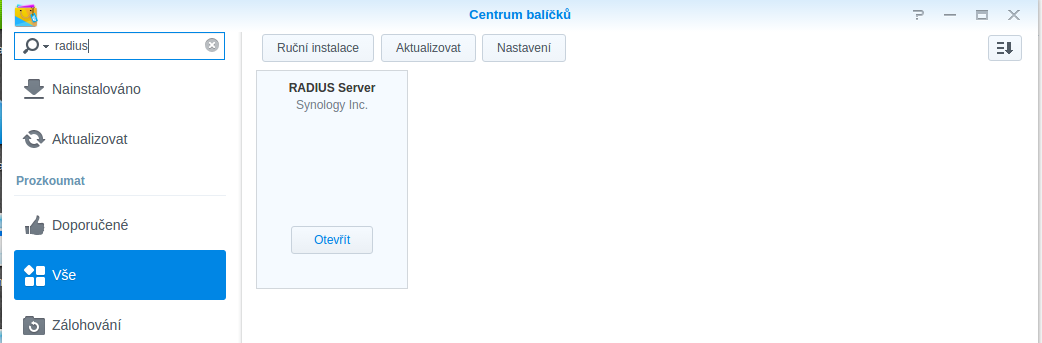
After installation, open the package and configure it. The port can be left at its default value. Enter the server machine's IP address for the client devices and create a shared secret.
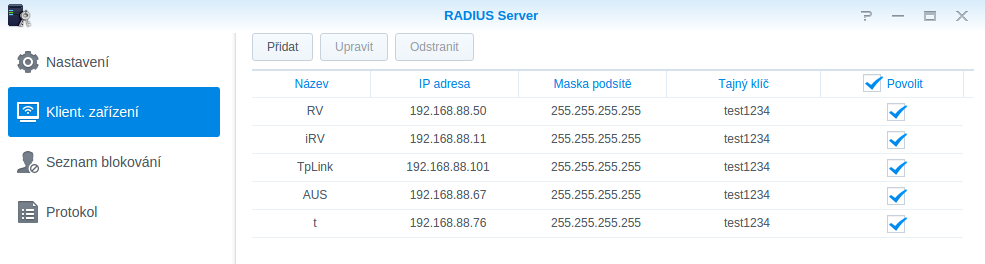
That completes the server-side setup. On the client side, the setting is in wireless - security, where WPA/WPA2 Enterprise can be selected.
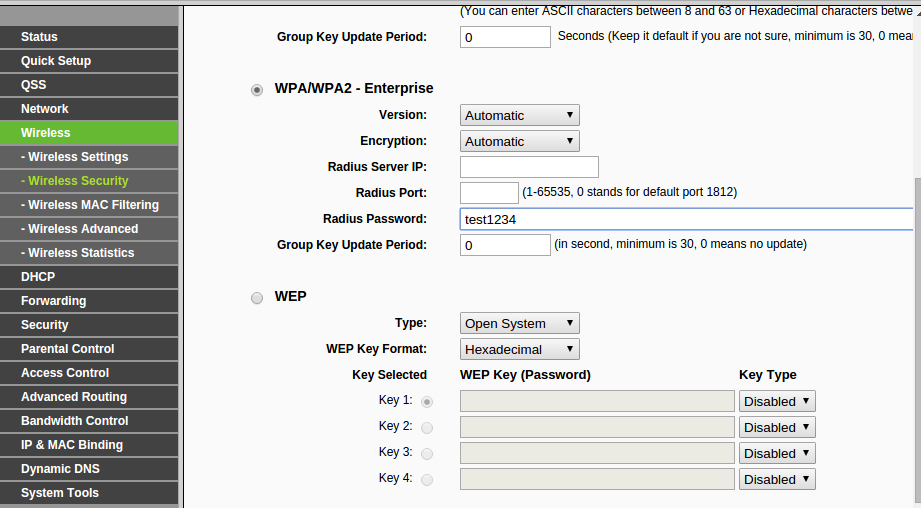
Enter the RADIUS server address, its port, the password, and, if needed, the group exchange period. The setup is then almost complete.
This procedure does not cover every individual step; for example, getting this connection method working in Linux required separate attention.
There is one more small point. When deciding to use a RADIUS server to authenticate employees on the network, it is best to buy a router that can create two Wi-Fi networks: one for RADIUS and another for guests.