How to Stay Safe on Public Wi-Fi with a VPN
TL;DR ✨
It is already known that operators are afraid of small ISPs, and they do not even hide it in their presentations. For example, T-Mobile recommends using its mobile data on its website, because it is much safer than that nasty Wi-Fi, which can easily be intercepted.
Logically, why use Wi-Fi that is free and now "ubiquitous" when operator data is expensive and subject to a fair usage policy?
It is already known that operators are afraid of small ISPs, and they do not even hide it in their presentations. For example, T-Mobile recommends using its mobile data on its website, because it is much safer than that nasty Wi-Fi, which can easily be intercepted.
Logically, why use Wi-Fi that is free and now "ubiquitous" when operator data is expensive and subject to a fair usage policy?
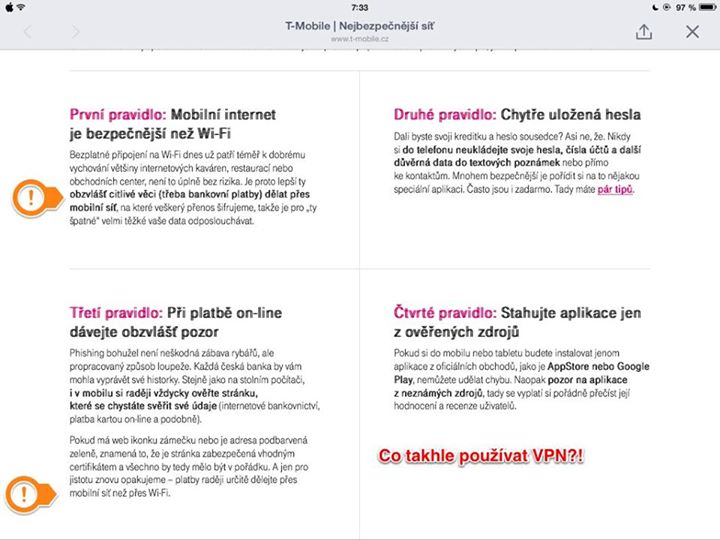
Yes, Wi-Fi can be intercepted. All it takes is AirCrack-ng and a little common sense. But communication can likewise be encrypted with a VPN.
A VPN can create an encrypted tunnel between a foreign, unsecured network and a safe home network. Communication travels encrypted to the provider and then out into the world. Any internet service provider can offer a VPN on its gateway. Nothing could be easier than sending the provider an email.
And what did T-Mobile tell the author?
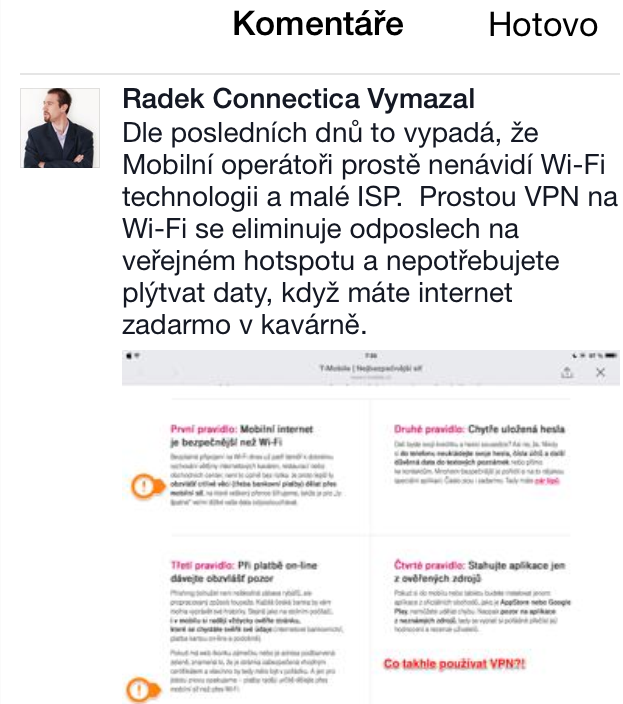
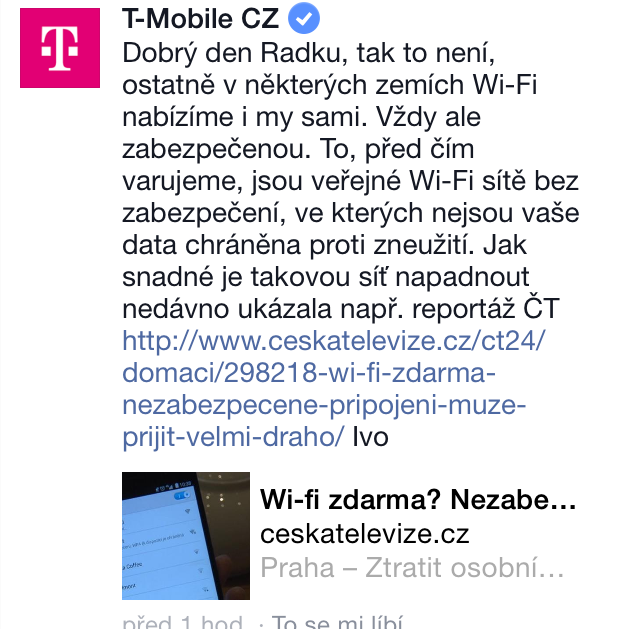
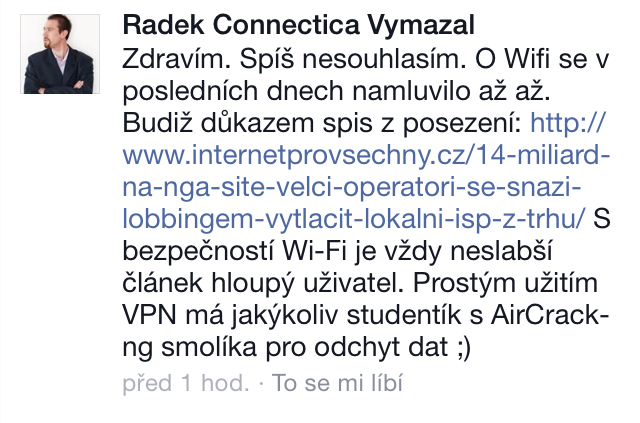
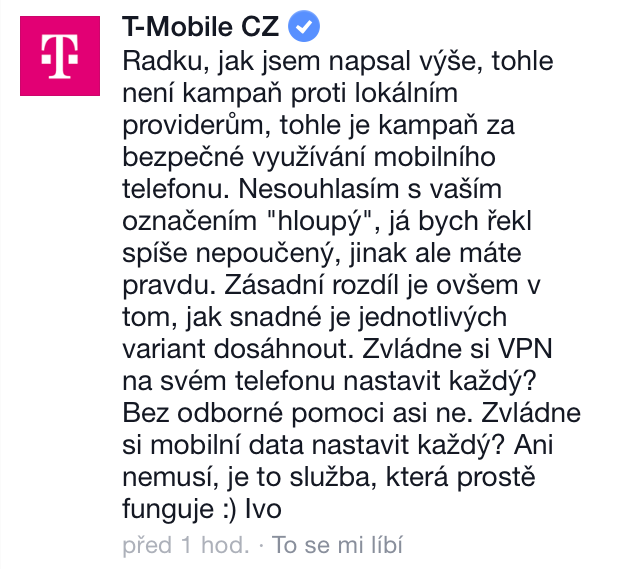
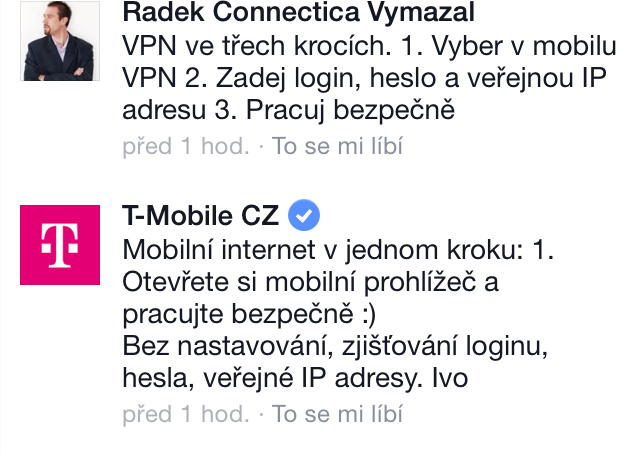
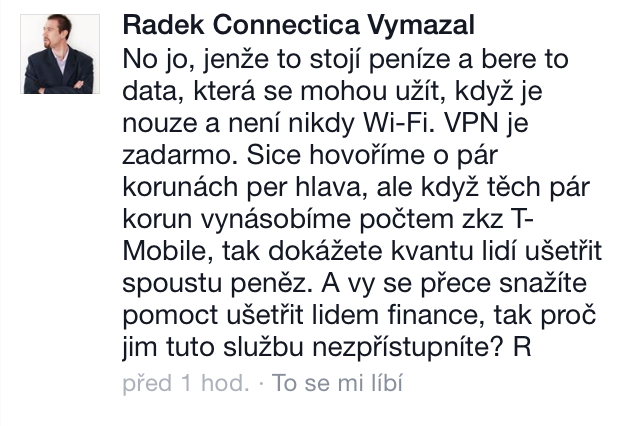
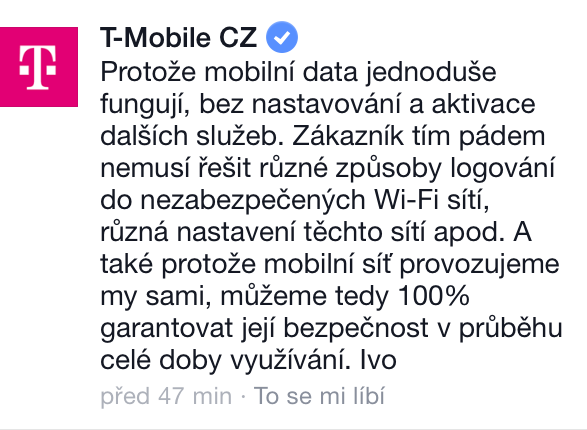 Unsurprisingly, it defends its own data :-) Why use free Wi-Fi that can be "encrypted" when the user can burn through a mobile data allowance? The author presents a simple way to configure a VPN for iOS, using his home network as an example.
- Ask the ISP for:
- login
- password
- public IP address
-
Go to Settings - VPN - Add VPN Configuration...
-
Select PPTP and enter the details provided by the ISP:
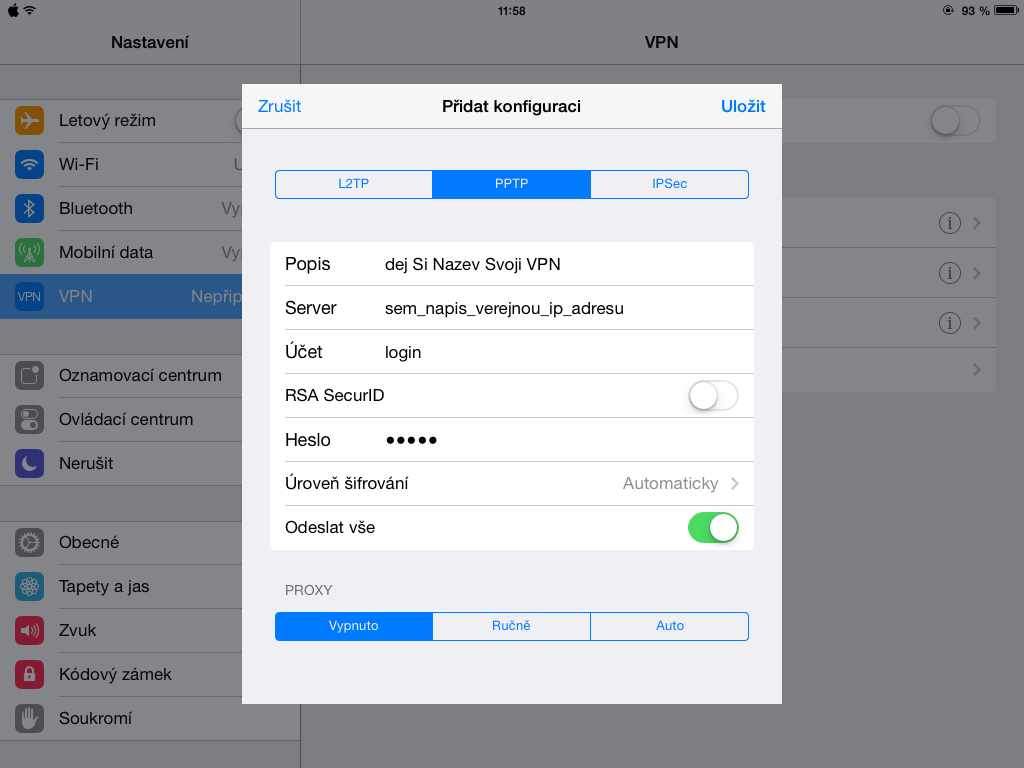
Ta-da. From then on, when using an unfamiliar hotspot in a pub, simply turn on the VPN before using online banking or entering passwords.